12.10.2026
Your first invoice in 5 minutes
From sign-up to the PDF you send your client: five short steps in PixeledSoul.
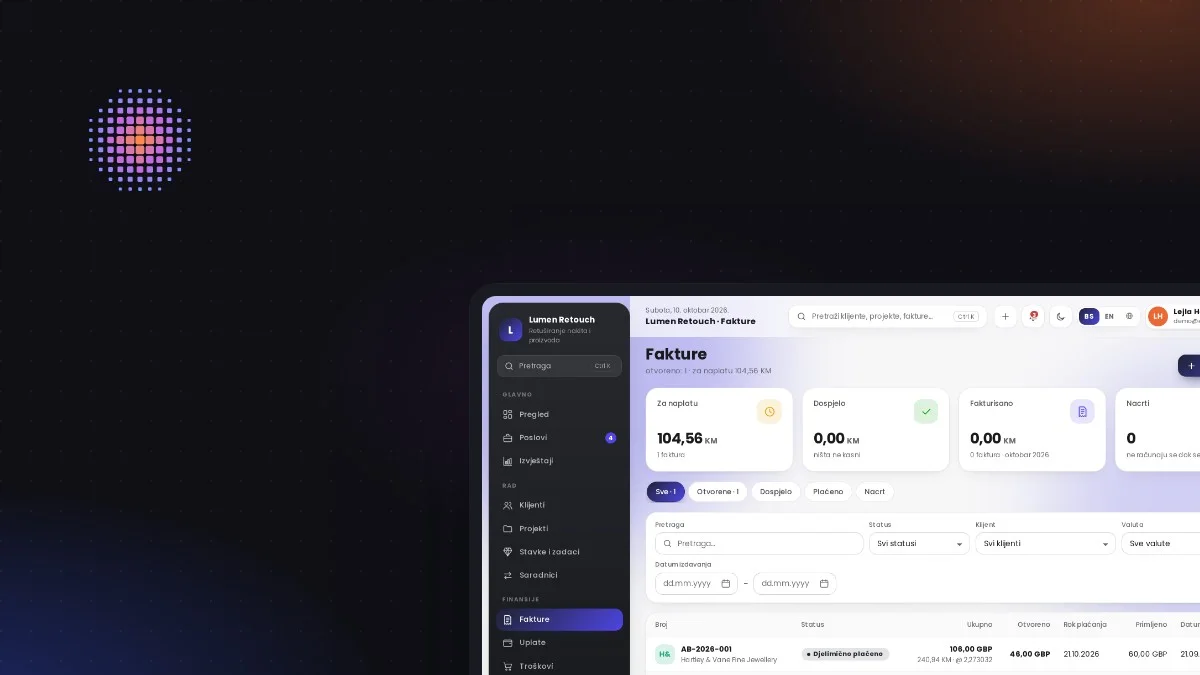
The first invoice is only hard once. Here is how it works in PixeledSoul — no spreadsheets, no copying old documents.
1. Add your details
In Settings, add your studio name, address and payment details (IBAN). They appear on every invoice automatically.
2. Add a client
Name, country, currency and payment terms. If the client has special prices, enter them once — the app suggests them from then on.
3. Create the invoice
Pick the client, add items and choose the invoice language. There are 8 languages, and the totals are calculated for you.
4. Download the PDF
One click gives you a tidy PDF with your details, the due date and payment instructions.
5. Mark the payment
When the money arrives, mark the invoice as paid. The overview shows what was actually received and what is still open.
Tip: save recurring work as items with a price — your next invoice is done in 30 seconds.